[EDIT 06.12.15]
After using elementary OS for some time, I’ve eventually switched to CachyOS.
The reasons were:
1. elementary OS does not support the display of system tray icons from 3rd party applications. This is by design, as defined in Human Interface Guidelines. For example, I missed this option when using the LocalSend application.
2. elementary OS had an issue with playing sound over an HDMI cable. The sound was choppy when streaming over HDMI, but was ‘normal’ when playing from the internal speakers. I was unable to resolve the issue using a software solution – none of the advice I found over Internet worked. The solution was to use an HDMI audio embedder device, which takes as input sound signal from mini-jack and video singal from HDMI. It then combines both signals to create an HDMI output. Thanks to this device I was able to play sound properly over HDMI on my TV.
Furthemore, I have noticed that CachyOS actually runs faster than macOS, which I had previously on this Mac Mini. Thanks to CachyOS my hardware regained new performance and is more pleased to use.
Why?
The Mac Mini (Late 2014) that I’m using, is no longer being supported by Apple (source). The latest macOS available for this Mac is Monterey, which is also no longer supported by Apple. The last macOS Monterey update was version 12.7.6 (source), released on 29 July 2024 (source).
This lack of support means that my old Mac Mini will never receive any updates or security patches from Apple. This situation could potentially lead to security breaches, so I wanted to use up-to-date operating system that is still supported by the manufacturer.
The hardware was still good to use for Internet browsing, watching movies or listening to music. I didn’t want to retire my Mac Mini just yet.
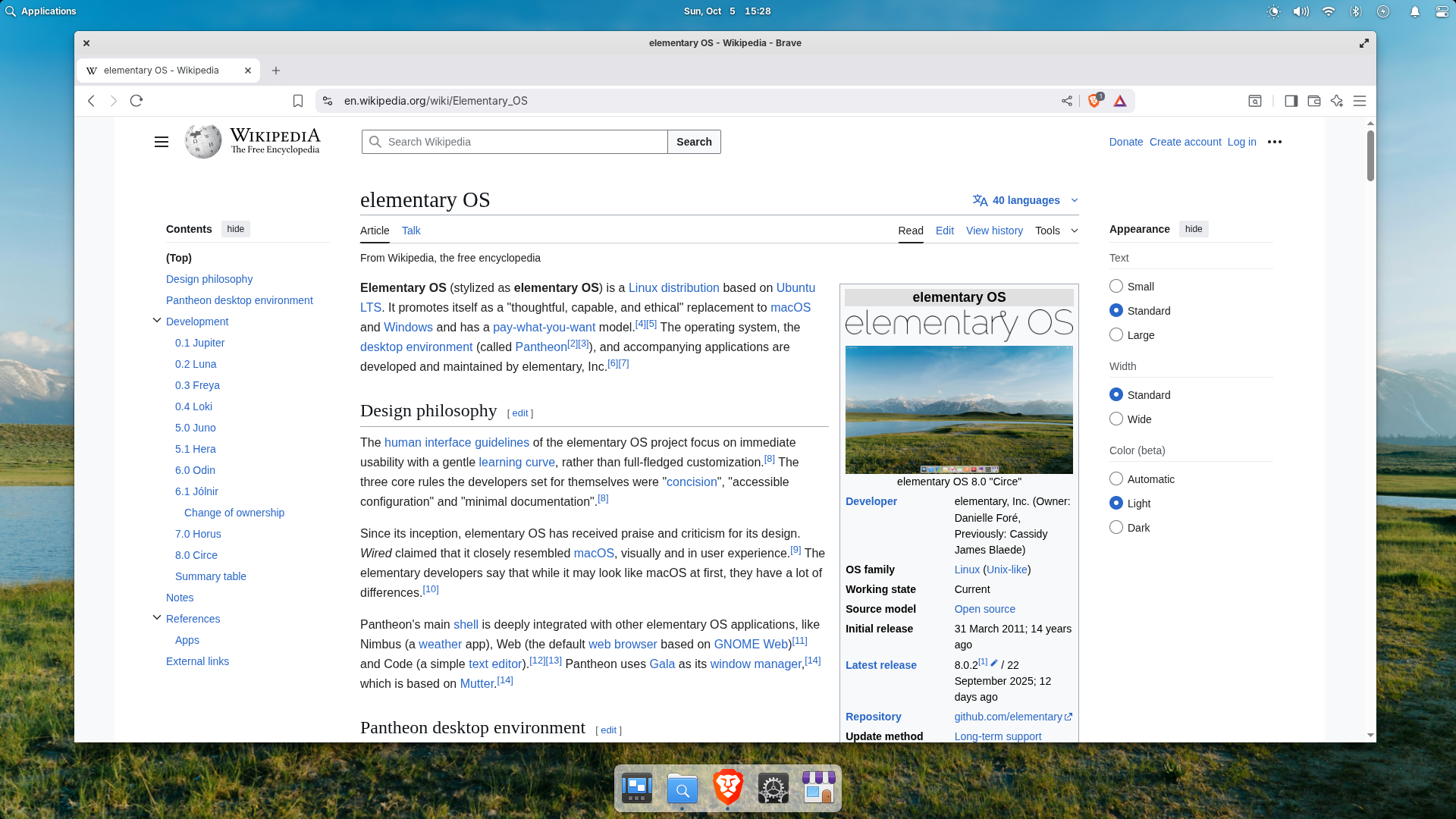
On the other hand, I wanted to try out using Linux in 2025 to see how easy (or difficult) it is to use. However, I like the look and feel of macOS, so I wanted a similar experience with Linux. After some research, I found elementary OS, which is inspired by macOS. It looked just like Linux for me.
How to install elementary OS?
Getting the installer to run
The elementary OS installation guide recommends using Etcher to create a bootable USB with the OS installer. Next, during Mac startup, you need to hold down the option key in order to access the Startup Manager and then select the bootable USB created earlier.
However, this solution did not work for me. My Mac was unable to recognize the bootable USB.
The second solution was to create a bootable DVD and from Startup Manager select the mentioned DVD to start installation process. Again, my Mac was unable to recognize the bootable DVD.
The final solution that worked for me was to install rEFInd, which is an alternative boot manager, which was able to recognize the bootable DVD (but not the bootable USB). I was then able to start the installation process.
Getting elementary OS to install
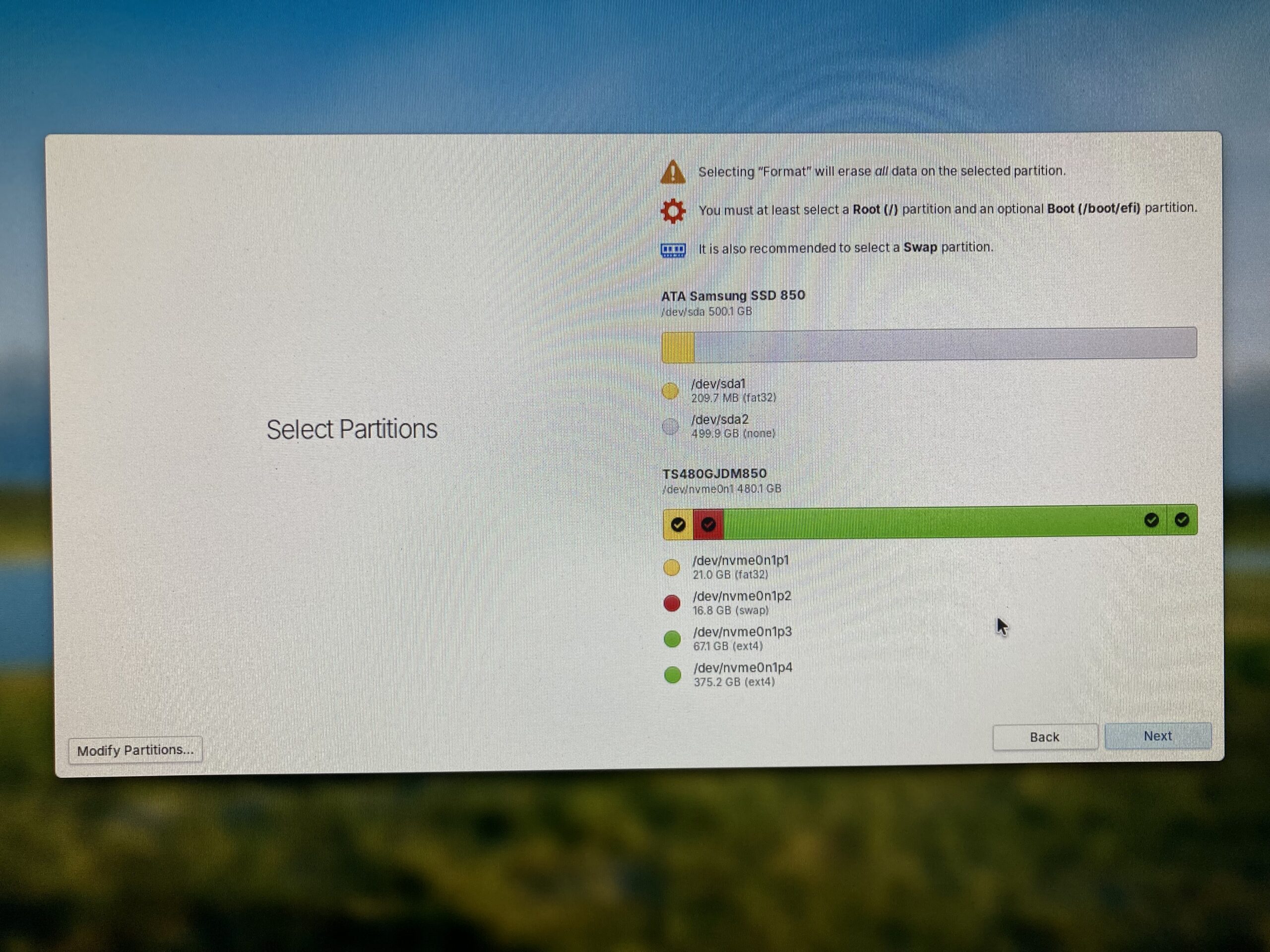
During the installation process, I was received a warning message saying that my EFI partition was too small (there is issue reported), I continued with the installation, but the process eventually failed.
Using this error-prone approach, I ended up with the following partition sizes, which allowed me to install and run elementary OS:
Summary
After experiencing some difficulties during the installation process, I managed to get elementary OS working on my Mac Mini. The OS performs comparably to macOS. The animations are not as smooth as they were on macOS, but the general look and feel is good enough for my needs. As for software, the applications I was using before on macOS are available (e.g. the Brave browser).

Why not Omarchy? DHH is behind it 🙂
I found elementary OS before you mentioned Omarchy 😉